
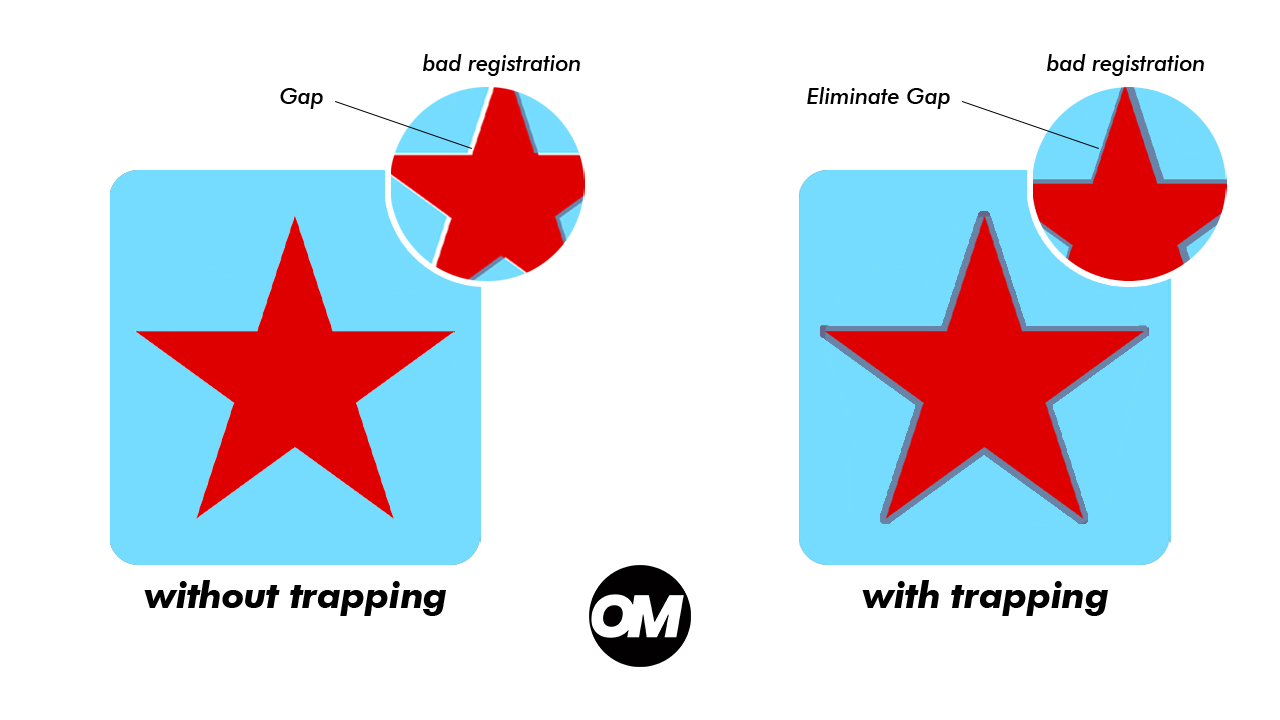
What is Trapping in Screen Printing — and How OmniSeps Handles It
Learn what trapping is in screen printing, why it matters for press registration, and how OmniSeps handles it automatically — without ever changing your original design.
9 Mei 2026
Color separation tutorials, screen printing tips & DTF/DTG guides.
Learn what trapping is in screen printing, why it matters for press registration, and how OmniSeps handles it automatically — without ever changing your original design.
9 Mei 2026
OmniSeps is a modern Photoshop separation plugin built on UXP — fast, always auto-updated, and covering the full screen printing workflow from vector separation to CMYK, simulated process, grayscale, and DTF halftone.
9 Mei 2026
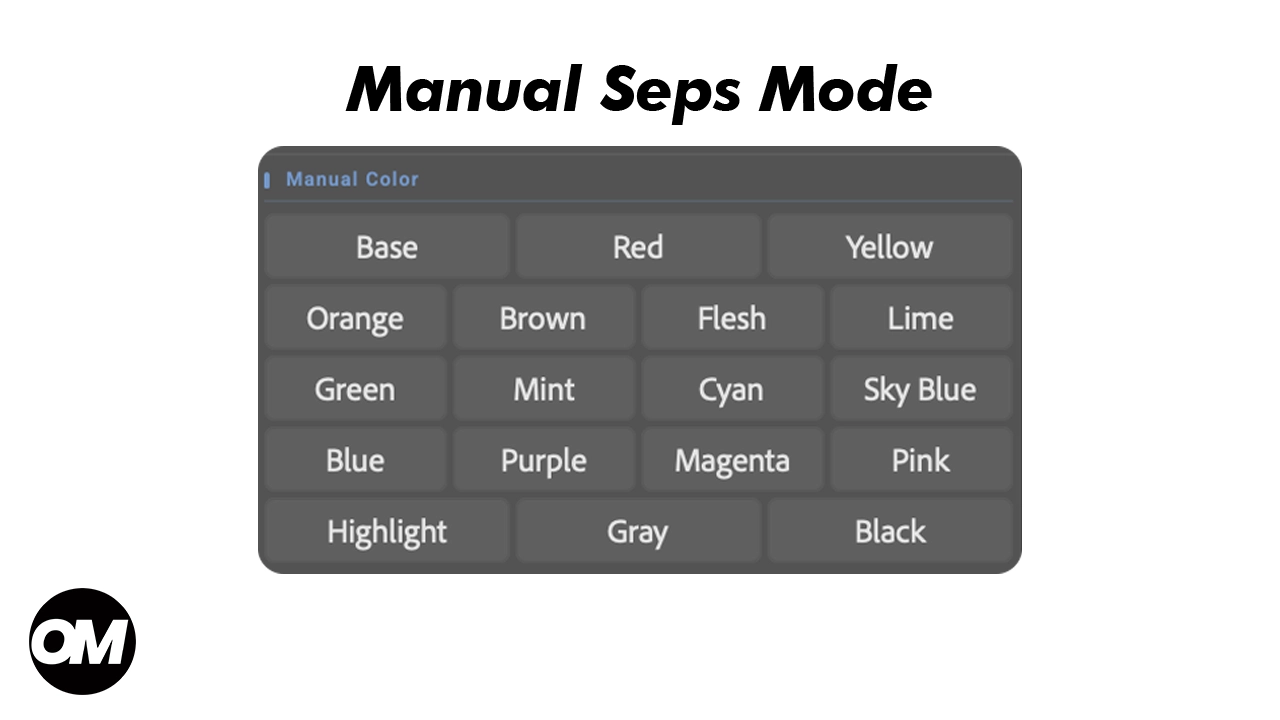
Learn when and how to use OmniSeps Manual Color Separation — the precision tool for vector plus raster workflows and supplementing S1 separations with missing color detail.
9 Mei 2026
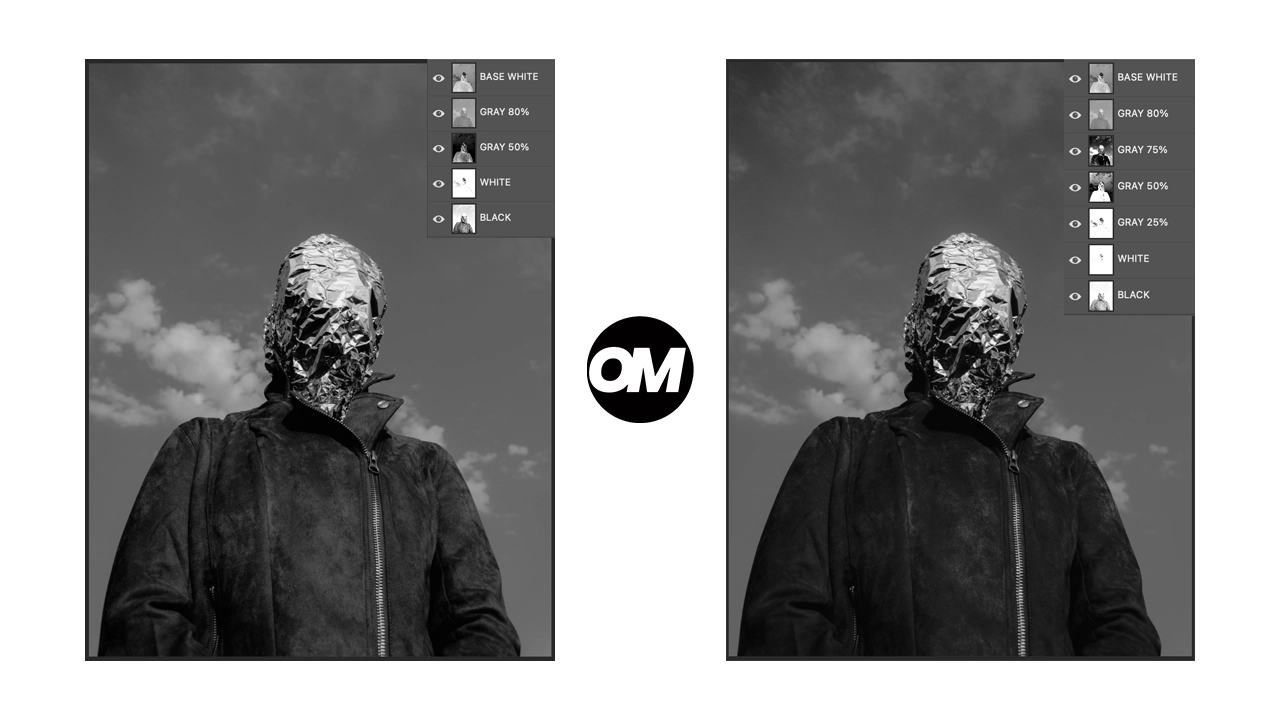
Learn how OmniSeps Grayscale 1 and Grayscale 2 separate artwork by luminance into standardized gray ink channels — and when to choose 6 channels vs 8 for smoother tonal reproduction.
9 Mei 2026
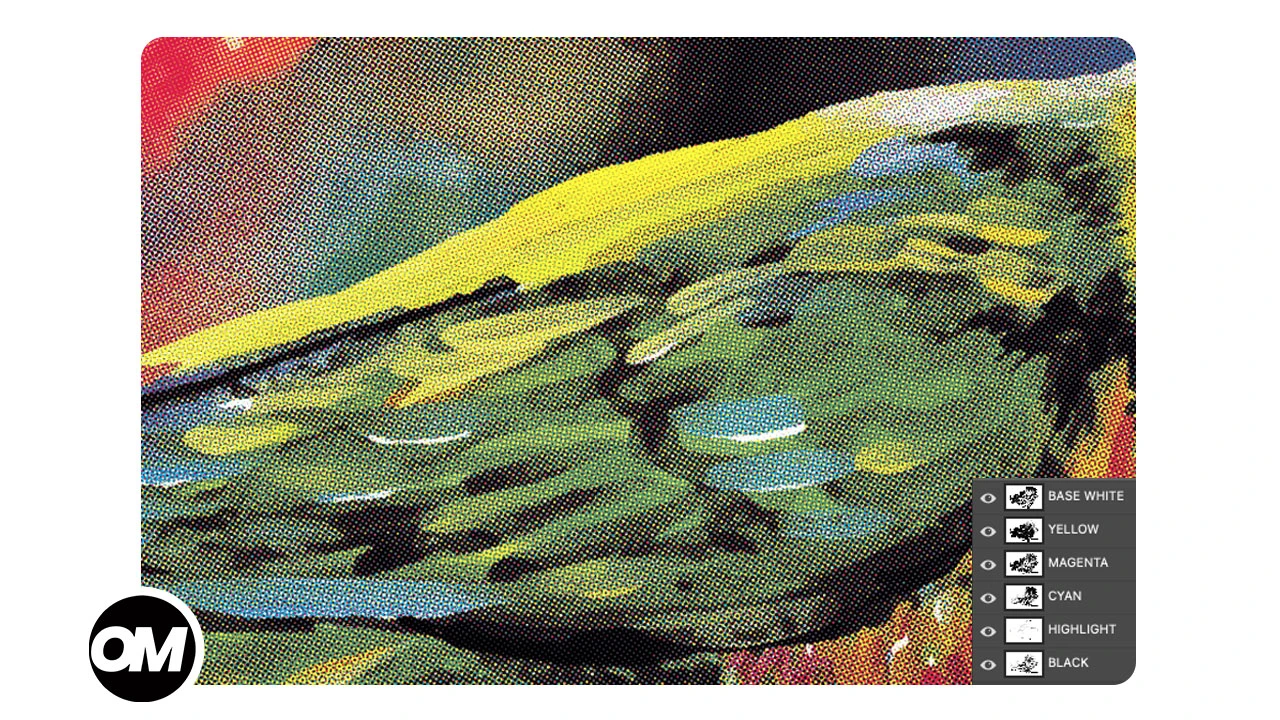
Learn how OmniSeps Omni CMYK separates full-color artwork into 7 press-ready channels using the GCR method — including underbase white and highlight — directly in Photoshop.
9 Mei 2026
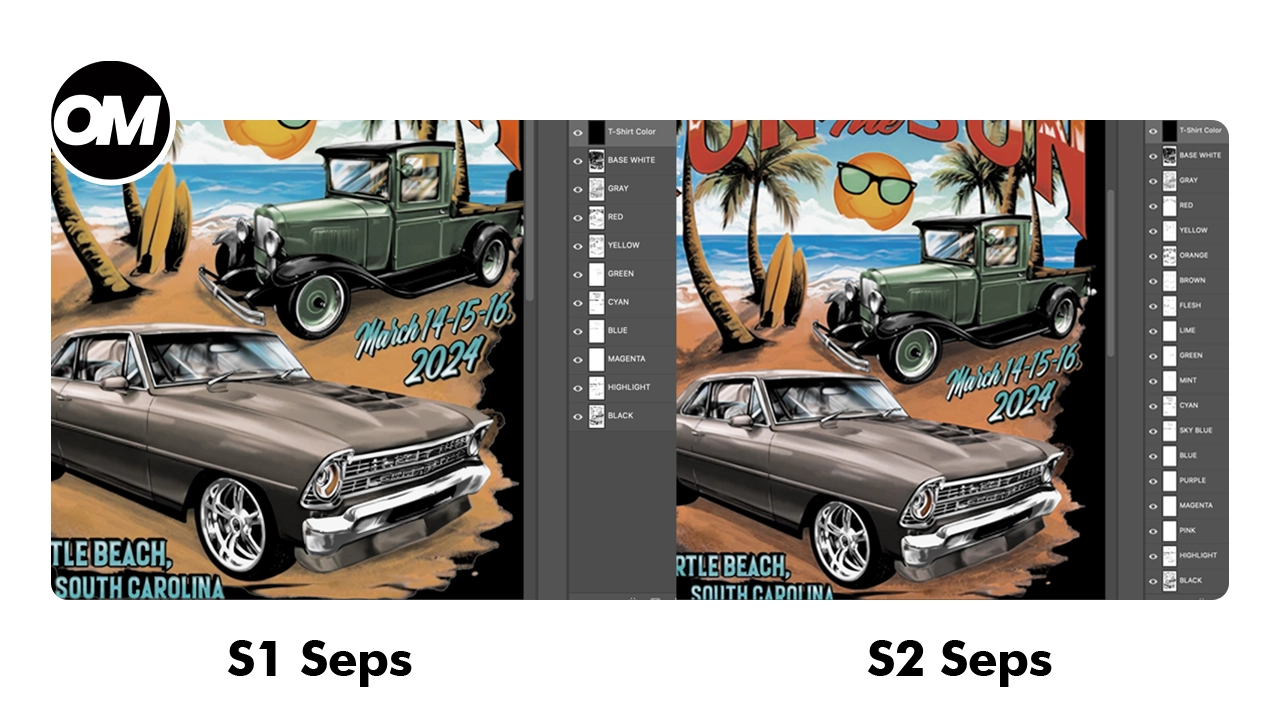
One click and your full simulated process separation is built automatically. S1 for standard color range, S2 for extended palette with warm tones and skin tones. Fine-tune per channel with built-in adjustment tools.
9 Mei 2026